BoothRoll
Branded photo galleries for photo booth operators, for free
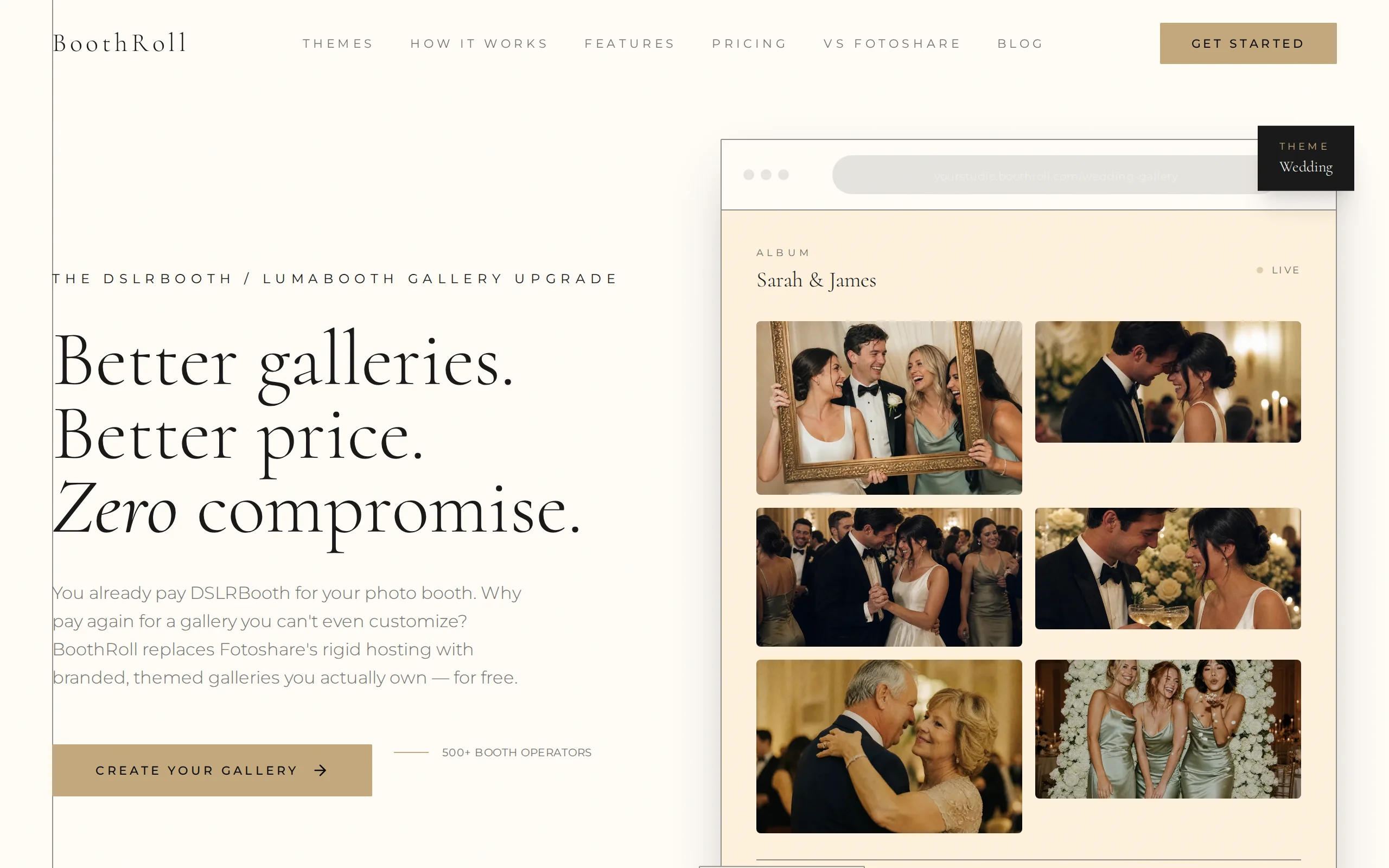
Fotoshare's built-in gallery is a fixed template with Fotoshare's brand on it. BoothRoll syncs the albums from the operator's existing Fotoshare account and shows them on the operator's own branded gallery and subdomain. Nothing changes on the booth.
Operators who upload to Fotoshare get a gallery template they can’t brand. Their clients see Fotoshare’s design at the moment the photos arrive, instead of the studio that ran the booth.
BoothRoll fixes that. A Python sync worker on Cloud Run pulls albums from the operator’s Fotoshare account every minute, deduplicates them, and groups photos into sessions. A Next.js app on Firebase App Hosting renders them on the operator’s own subdomain, routed by a Cloudflare Worker, in their colors and with their logo, in one of eight themes.
Syncs from your Fotoshare account
A sync worker pulls new albums and photos from the operator's Fotoshare account every minute, removes duplicates, and groups photos into sessions. The booth keeps uploading exactly as it does today.
Eight built-in themes
Wedding, Elegant, Birthday, Corporate, Portrait, Nightlife, Editorial, and Studio. Pick a preset per event, then override it per album.
White-label on your own subdomain
Each operator gets their own subdomain, or a custom domain, with their logo and colors. Clients see the studio from first click to download.
Password-protected albums
Albums can be locked with a password. Guests without it can request access, and the operator approves or denies.
Lead capture and live display
Guest contact capture turns gallery visits into booking leads, and a live display mode shows new photos on a venue screen during the event.
Connect
Link the Fotoshare account the booth already uploads to.
Customize
Set studio branding once, choose a theme for each event, and override per album when needed.
Share
Send the gallery link to clients and guests. They see the studio's brand, not a Fotoshare page.
Do I need to change my photo booth software?
No. BoothRoll reads from the Fotoshare account your booth already uploads to. Nothing changes on the booth.
What's wrong with Fotoshare's gallery?
Nothing, for a generic template. But you can't brand it, change the layout, or use your own URL. BoothRoll replaces only the gallery layer.
Can I password-protect specific albums?
Yes. Guests without the password get a Request Access flow that the gallery owner approves or denies.